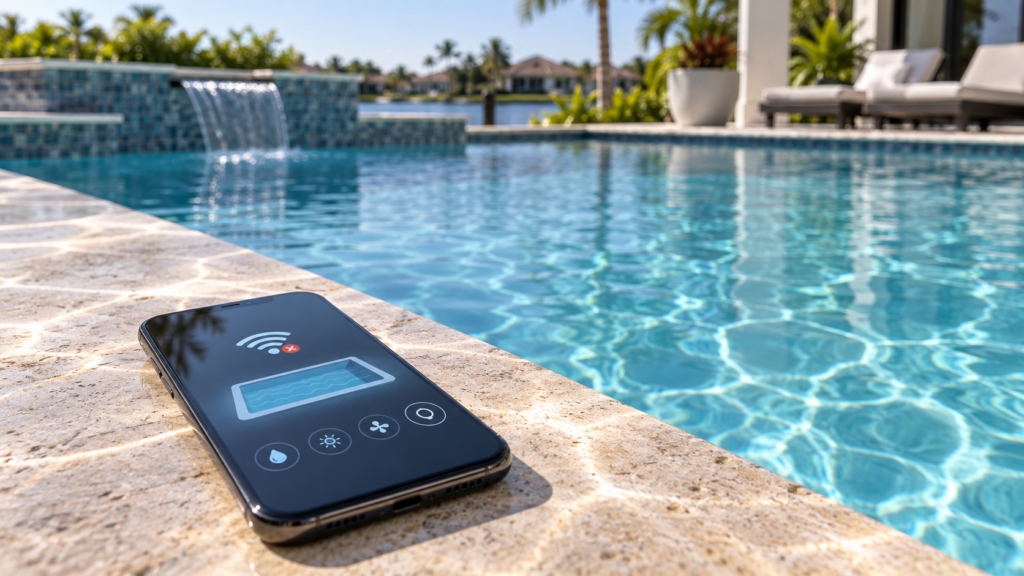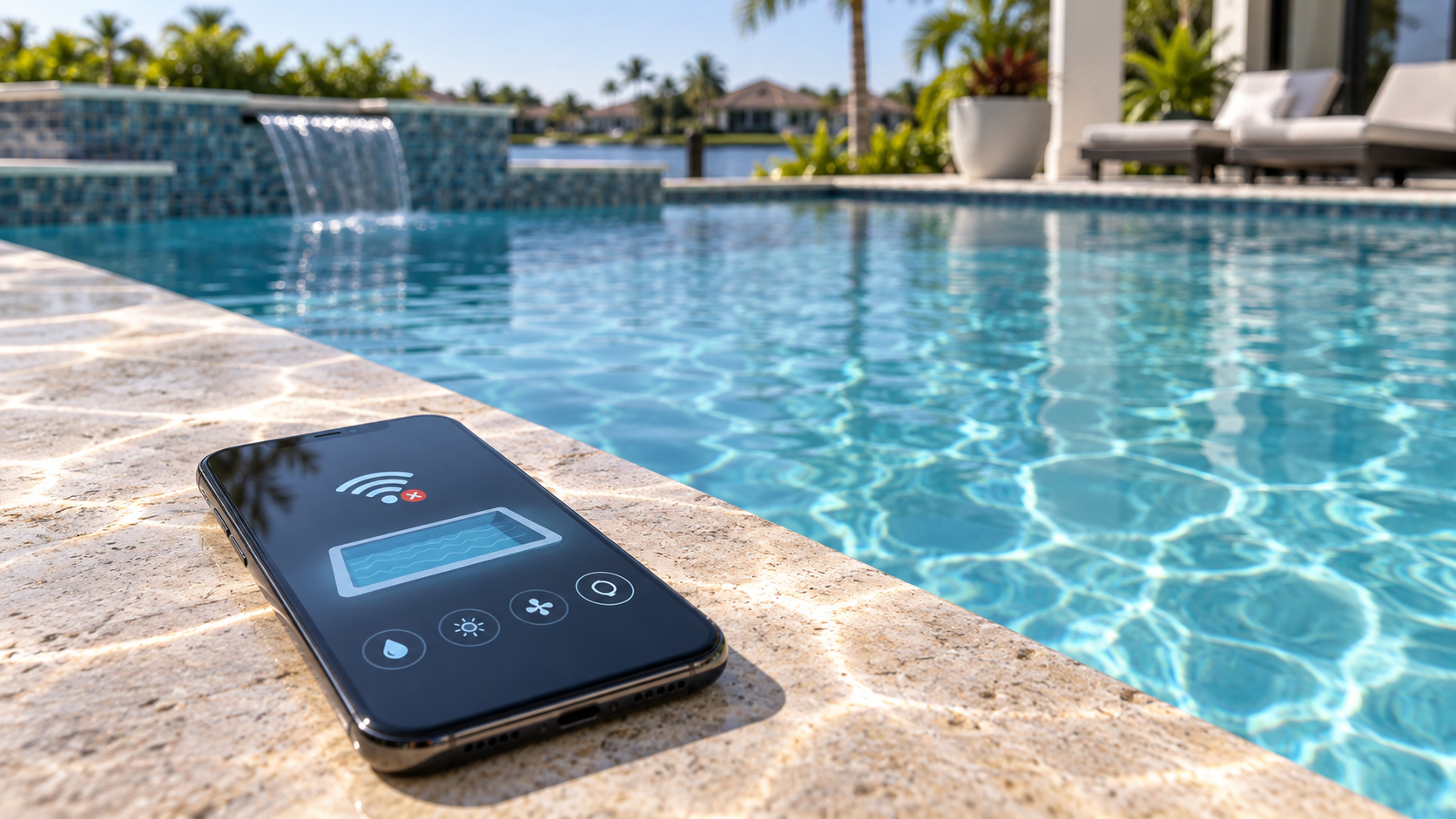
A pool automation app is supposed to make everyday control easier. When it suddenly stops connecting, however, even simple tasks like changing schedules, lighting, or temperature can become frustrating.
The problem is not always the phone itself. Pool automation depends on several pieces communicating correctly, including the home network, automation controller, connected equipment, and app account.
If your automation system keeps showing offline or will not respond remotely, call Swim N Fun at 407-699-5588 to schedule service in the Orlando area.
Why a Pool Automation App Can Go Offline
A connected pool-control system needs a working communication path between the automation equipment and your mobile device.
If one part of that connection stops working, the app may appear offline even though some pool equipment continues operating on its existing schedule.
Common causes can include:
- home Wi-Fi or internet interruptions
- weak wireless signal near the pool equipment
- a router or network change
- account or login problems
- an automation controller losing its network connection
- communication hardware that is no longer responding normally
Pentair’s current support documentation notes that its connected systems can show offline when Wi-Fi communication is lost, while other system functions may continue operating locally.
Did Anything Change With Your Home Network?
One of the most useful questions is whether anything changed shortly before the connection problem started.
For example:
- was the internet router replaced?
- did the Wi-Fi name or password change?
- was the router moved?
- did the internet service recently go down?
- was new networking equipment added?
Automation systems that depend on a home network may need to reconnect after certain network changes.
Current Pentair installation documentation also notes that Wi-Fi signal strength, router availability, and network credentials can affect whether an automation controller connects successfully.
That does not mean homeowners should start rewiring or reprogramming the system. It simply gives useful context when explaining the problem to a technician.
Is the Pool Still Running Normally?
This is another important clue.
If the app is offline but the pump, heater, or scheduled equipment still runs normally, the problem may be limited to remote communication.
If the app is offline and the equipment itself is not following schedules or responding correctly, the issue may involve more than the phone connection.
Pay attention to whether:
- normal schedules still run
- lights respond from existing controls
- heating still operates normally
- the controller shows any warning
- only remote access has stopped working
That distinction can help narrow down where the interruption is happening.
App Problems and Equipment Problems Are Not the Same
A disconnected app does not automatically mean the pool equipment itself has failed.
Likewise, reconnecting an app will not fix a pump, heater, light, or control component that has an actual equipment problem.
The useful question is:
Is the automation system failing to communicate, or is the equipment failing to operate?
That difference matters because the repair path can be very different.
Swim N Fun’s Pool & Spa Automation service can help evaluate automation-control issues, while Pool Repair may be appropriate if the underlying equipment is not operating normally.
When the Problem Keeps Coming Back
A one-time internet outage is different from an automation app that repeatedly disconnects.
It is worth scheduling service when:
- the system frequently shows offline
- remote control works only occasionally
- connection problems return after temporary fixes
- schedules or equipment controls stop responding
- the controller itself appears unreliable
- you cannot tell whether the issue is the network or the automation system
Repeated connection problems can make an otherwise useful automation setup feel unreliable.
The goal should be to find the actual source of the communication problem rather than repeatedly reconnecting the app without knowing why it keeps happening.
Why Automation Service Still Matters
Pool automation is useful because it brings several controls together.
When that communication stops working, the system loses much of the convenience homeowners installed it for in the first place.
Professional service can help determine whether the problem involves network communication, the controller, connected equipment, system configuration, or another component.
And automation still does not replace hands-on pool care. Weekly Pool Service continues to handle the regular cleaning and maintenance that smart controls cannot do.
Areas We Serve
Swim N Fun serves residential pool owners in:
- Orlando
- Winter Park
- Altamonte Springs
- Casselberry
- Sanford
- Oviedo
- Winter Springs
- Lake Mary
- Maitland
- Longwood
Pool Automation App Still Not Connecting?
If your pool automation app keeps showing offline, stops responding, or repeatedly loses its connection, Swim N Fun can help determine where the problem is coming from.
Call 407-699-5588 or visit our homepage to schedule automation service in the Orlando area.